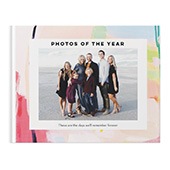


When creating a photo book, a good rule of thumb is to include around 1–4 photos per page, depending on your layout and storytelling style. For a 20-page photo book, that usually means between 40–80 photos. If you prefer a more minimal, clean look, stick to fewer images per page. If you want to capture every memory from a big event like a wedding or vacation, you can go up to 100+ photos using collage-style pages.
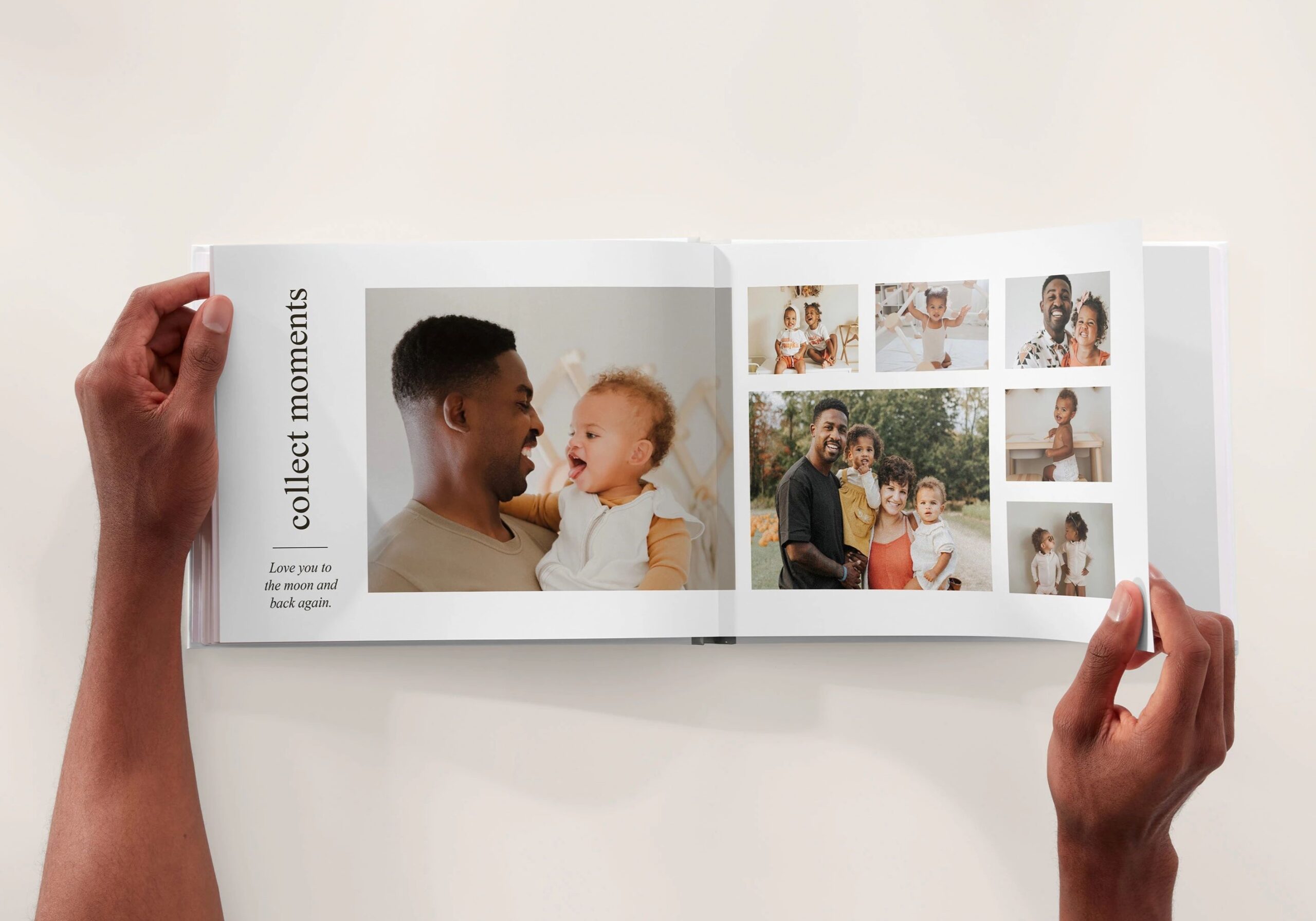
Consider the Purpose of Your Photo Book
The number of photos you include depends on what kind of story you’re telling.
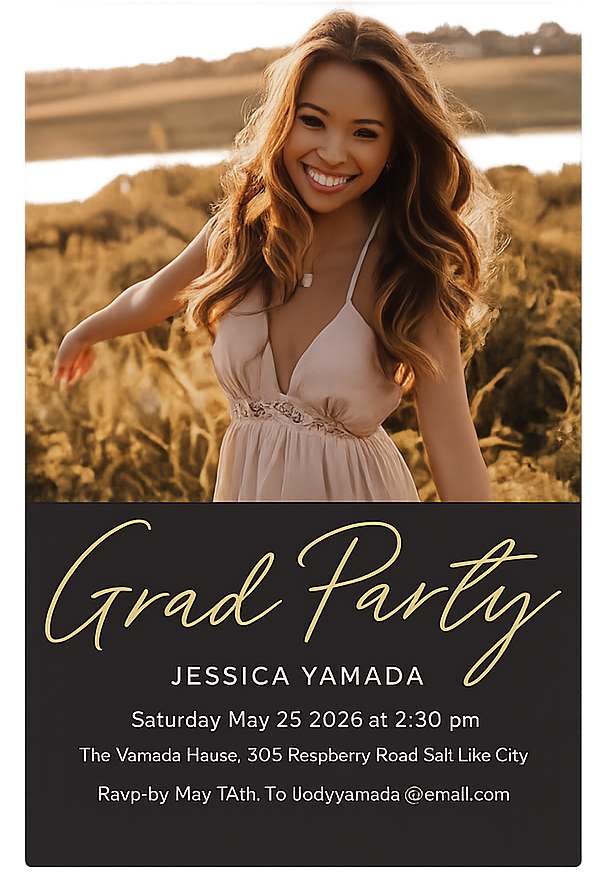
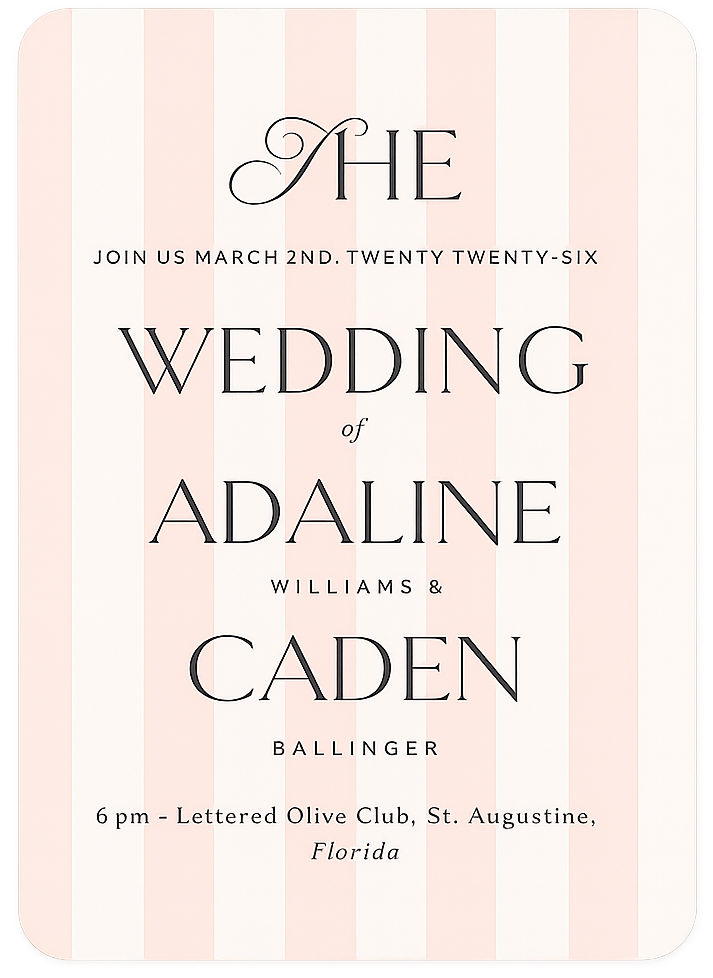
- For a milestone event like a wedding or graduation, include a mix of key moments and small details—about 3–4 photos per page.
- For a baby or family yearbook, you might add more photos to capture everyday memories.
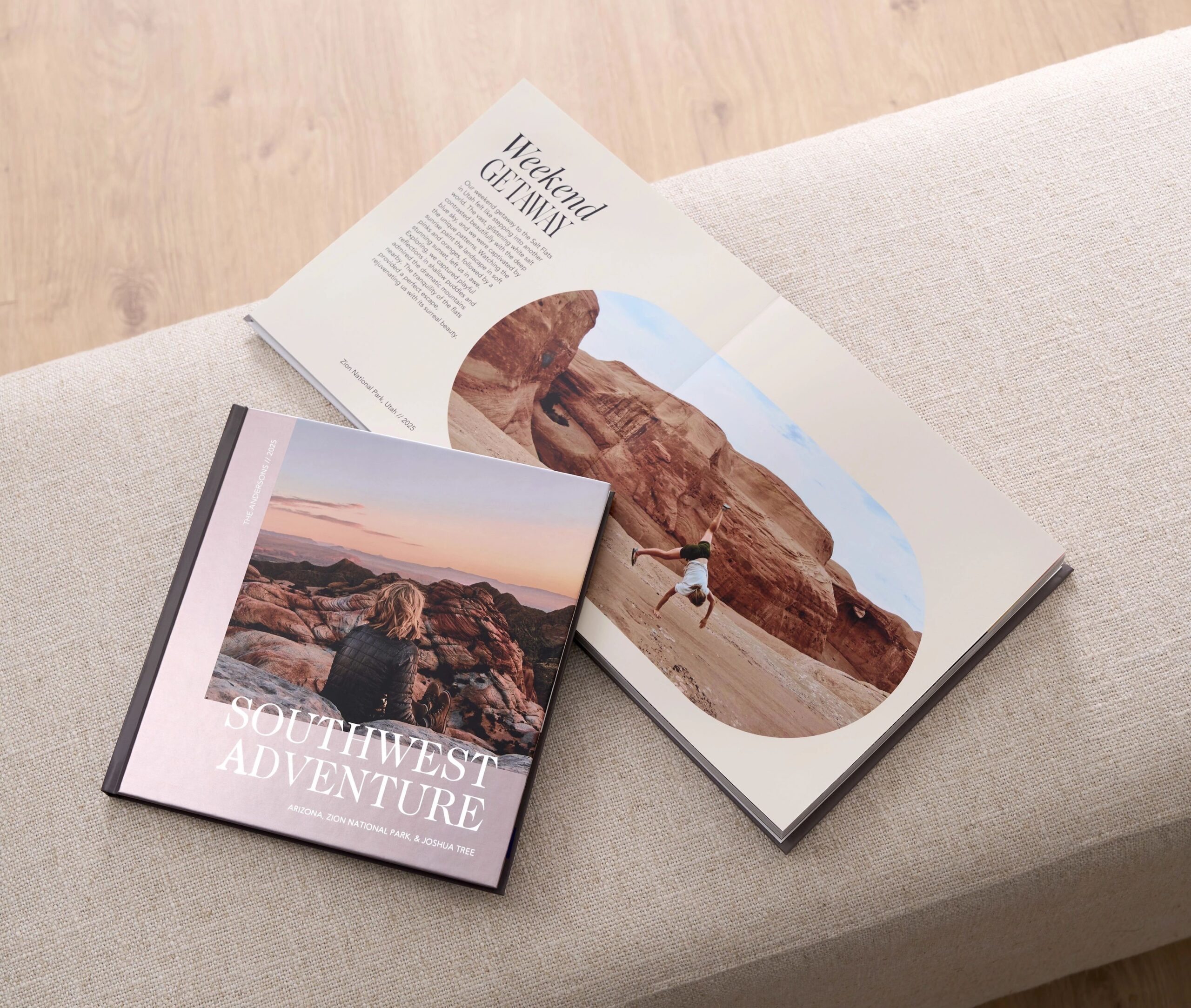
- For a portfolio or travel book, fewer images per page can help each shot stand out.
Think about your book’s purpose before you start selecting photos so your layout feels balanced and intentional.
Choose the Right Photo Book Size
Shutterfly’s photo books come in a variety of sizes—from small 8×8 books to large 12×12 albums—each with 20 to 111 pages. While all sizes can hold a large number of photos, the size you choose affects how your images appear on the page.
- Smaller books are perfect for concise stories or gifts, where 40–80 photos feel balanced.
- Medium to large books allow more breathing room for your images or can comfortably feature 100–200+ photos with collage layouts.
No matter the size, adding extra pages gives you plenty of space to include every photo that matters most.
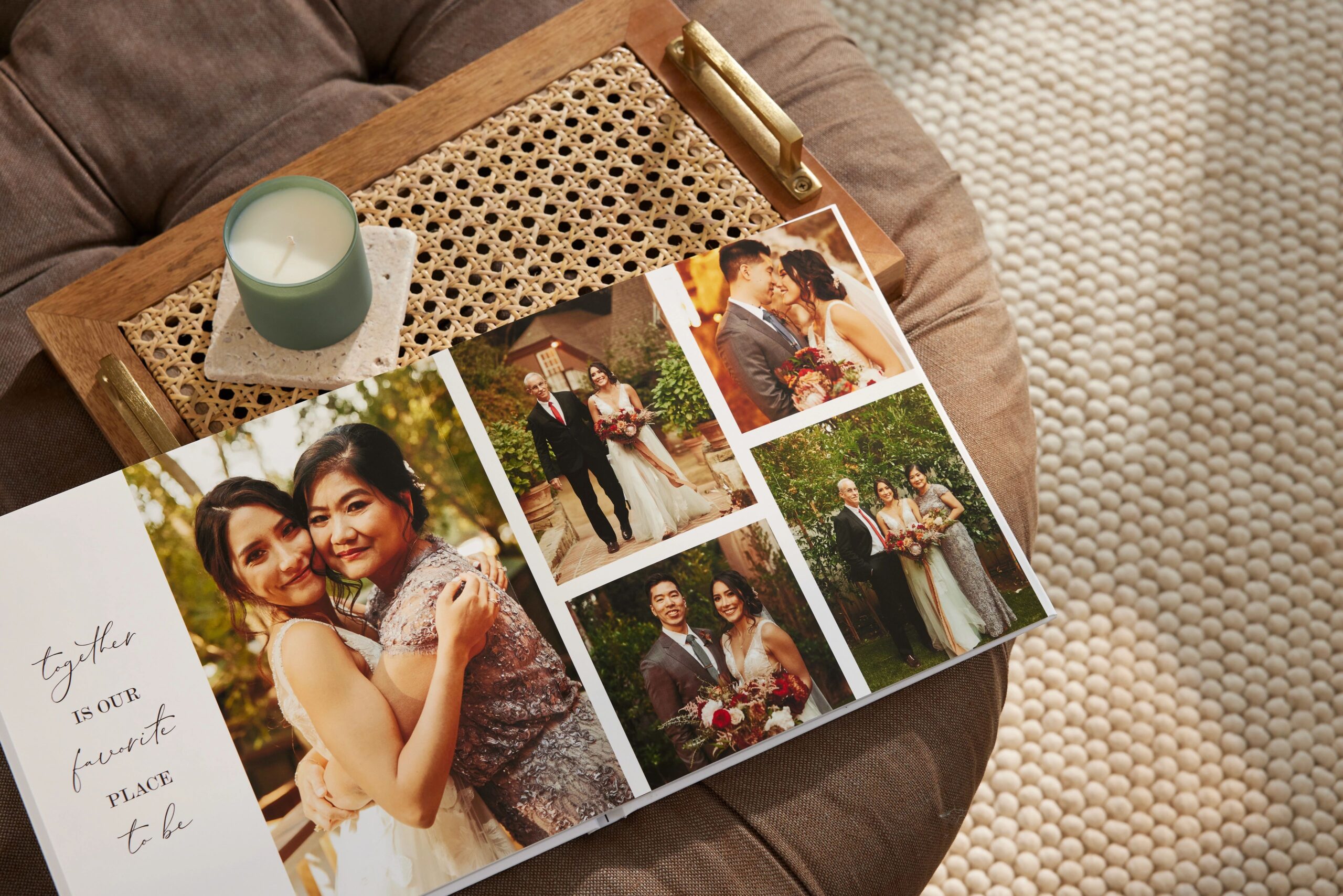
Use Layouts and Collages to Fit More Photos
You don’t have to limit yourself to one photo per page. With Shutterfly’s pre-designed photo book templates, you can combine several photos into creative collage layouts. Try mixing full-page images with collage spreads to keep the flow dynamic. This makes it easy to include a variety of moments—like group shots, close-ups, and candid photos—without overwhelming each page.
Curate, Don’t Cram
It can be tempting to include every picture from your camera roll, but less is often more. Choose only your best photos to tell the story clearly. Look for sharp images with good lighting, and avoid near-duplicates. A thoughtfully curated selection makes your photo book feel cohesive and meaningful from start to finish.
Related Resources on How Many Photos Should Be in a Photo Book
There’s no single “right” number of photos for a photo book—it’s all about your vision and the story you want to tell. Whether you include 40 or 140 photos, focus on highlighting your favorite memories in a design that feels personal to you. With Shutterfly’s flexible layouts and easy customization tools, you can create a book that’s as full—or as minimalist—as you want it to be.
Additional Resources:


